START WITH YOUR PROJECT FILES
The files are already there.
Put them to work.
R11 pulls plans from Drive, photos from your field app, and job details from your CRM or sheet into the funding submission.
Aurora Solar
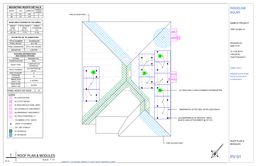
Plans · equipment · revisions
CRM / Google Sheets
Address · customer · crew contact
SiteCapture / Google Drive
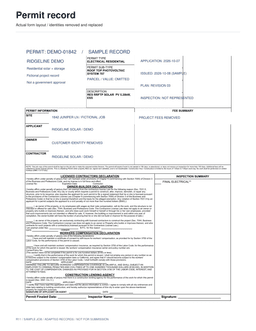
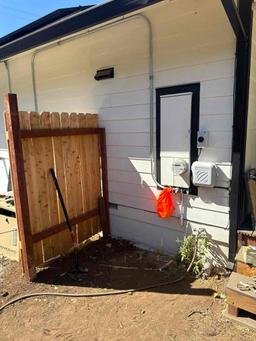
Install photos · permits · signed forms
Funding submission.
Ready for your review.
- Job details filled in
- Missing documents and photos collected
- Required files attached
Review the whole submission at once.
EXISTING CONNECTIONS
Find your tools.
Connect the job.
We confirm which files R11 can read and which actions it can take during setup.
Aurora Solar
DesignDesigns, equipment schedules, and revisions.
Insightly
CRMCustomer details, project records, and contacts.
SalesRabbit
FieldSold-job details and sales assignments.
SiteCapture
FieldCompleted field forms and installation photos.
Sunrun
FinancierProject records and milestone requests.
GoodLeap
FinancierProject records for the selected financing product.
EnFin
FinancierProject details, milestones, and document requests.
Google Drive
DocumentsProject folders, plans, permits, and signed documents.
Your tool isn’t in this view.
Try another name, or ask about connecting your tools.
8 connections
USE ANOTHER TOOL?
Start with the files.
You can supply files from other tools, including CompanyCam and LightReach. Direct connections require separate setup.
Ask about your setupFREE 15–20-PROJECT PILOT