R11 + AURORA SOLAR
Submit the design that was installed.
R11 compares available Aurora records with the installation, resolves outdated plans, and includes the current design in the submission.
Start a real job Try the sample job ↗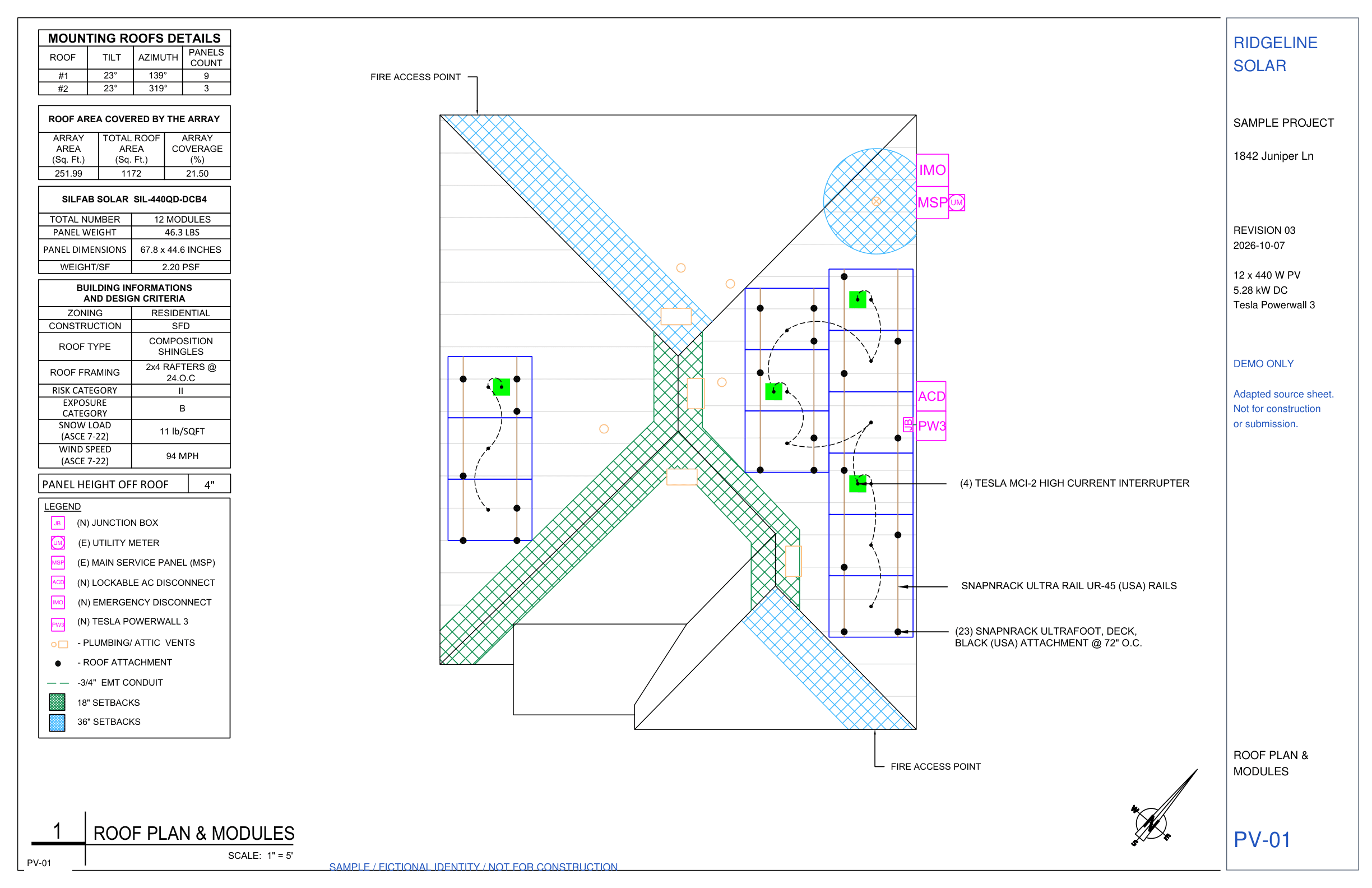
AI AGENT
Issue found
Equipment changed after Revision 02.
R11 checks the source records.
Correction requested
Request the updated plan.
The agent follows up with the project contact.
Ready for review
The package uses the current design.
The reply is checked and linked to the job.
THE WORK R11 HANDLES
- 01
Find the change
Compare equipment and revisions across the job records.
- 02
Get the right plan
Request the revision that describes the installation.
- 03
Attach the current plans
Attach the current design documents for review.
Existing connection
Aurora Solar records and actions depend on your account permissions. Confirm access during setup.
Names identify workflows, not endorsements.
NEXT STEPTry the funding agent
FREE 15–20-PROJECT PILOT