R11 + ENFIN
Keep equipment changes out of your paperwork backlog.
R11 checks available EnFin project requirements against the records and gets changed documents into the funding submission.
Start a real job Try the sample job ↗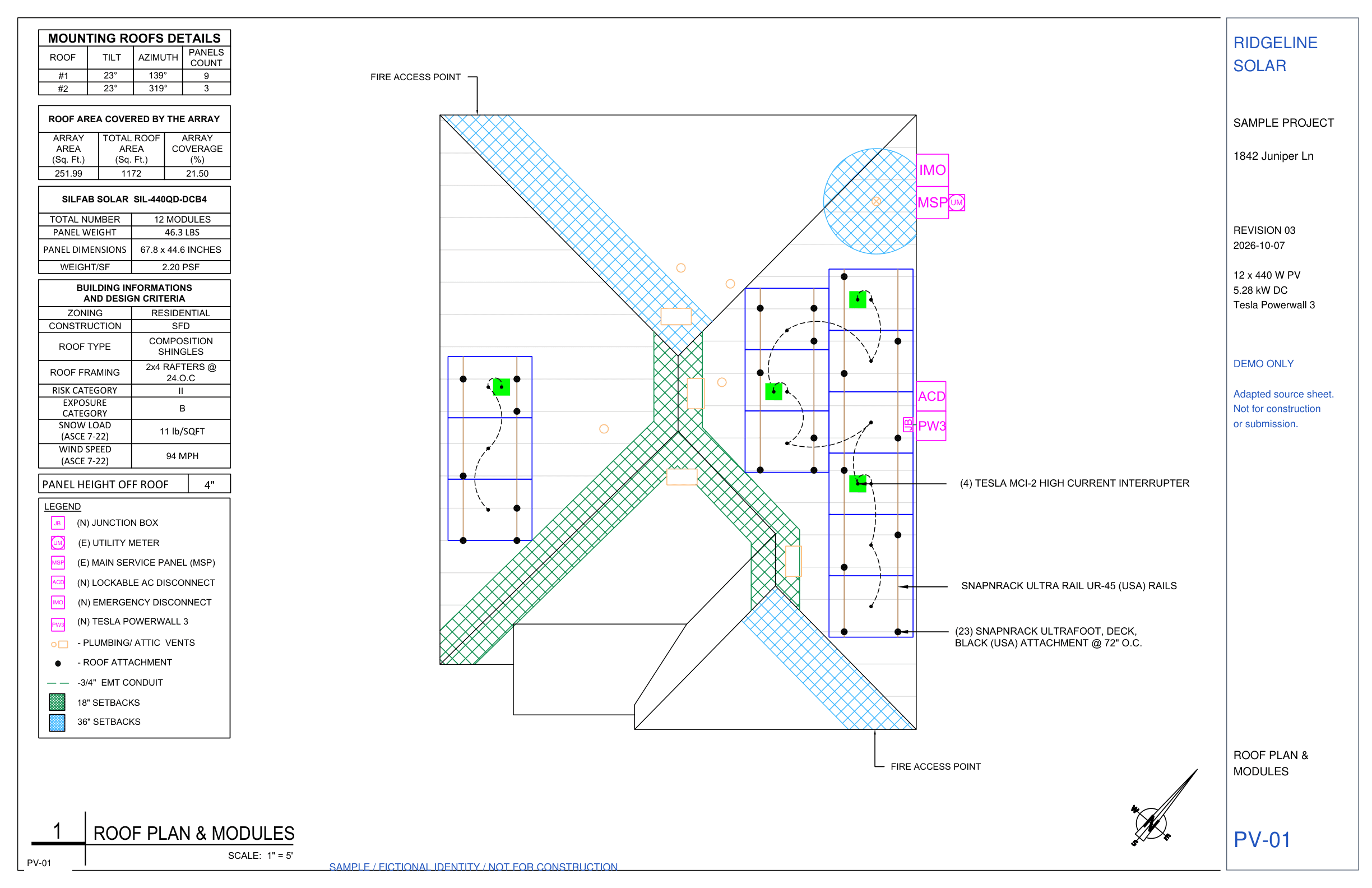
AI AGENT
Issue found
The installed battery differs from the plans.
R11 checks the source records.
Correction requested
Request the revised plan set.
The agent follows up with the project contact.
Ready for review
The package matches the project.
The reply is checked and linked to the job.
THE WORK R11 HANDLES
- 01
Read the current record
Identify the project and milestone request.
- 02
Find outdated files
Compare the documents with the equipment record.
- 03
Include the update
Check the correction and flag remaining differences.
Existing connection
EnFin records and actions depend on your account permissions. Confirm access during setup. Submission access is confirmed separately; the one-click flow in the demo is simulated.
Names identify workflows, not endorsements.
NEXT STEPTry the funding agent
FREE 15–20-PROJECT PILOT