

What should a solar site survey include?
Use the designer’s capture list for this site. A useful handoff identifies the property, documents its conditions and makes missing information explicit.
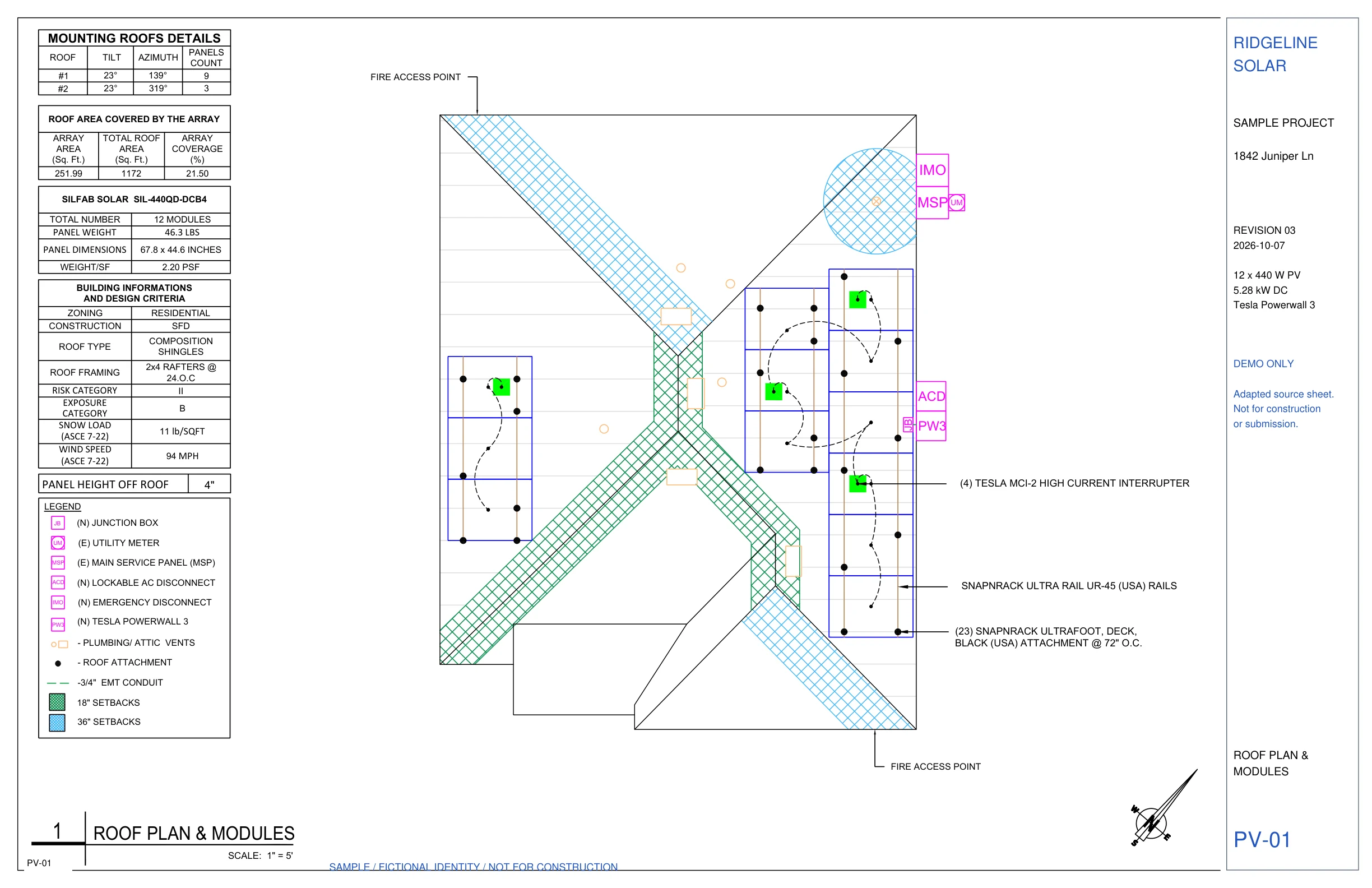
- Roof layout, obstructions, condition and shading.
- Proposed equipment locations and routing constraints.
- Electrical service and equipment labels, captured by qualified personnel using appropriate procedures.
- Address, access restrictions and the survey date.
- Requested measurements, units and structural observations.
This is R11 documentation guidance. The designer determines the required survey scope; qualified personnel determine safe access.
Which photos make the handoff useful?
Pair an overview with a readable close-up. The overview shows where an item sits; the detail shows the label or condition the designer needs.
Open each required photo at full size before leaving. Check that the label is readable and the subject is identifiable. Add the location if the photo alone cannot establish it.
For measurements, record the units and the points measured. A number without its location forces the designer to ask again.
Can survey photos replace installation photos?
Survey photos show the site before installation. They cannot establish the final array, installed battery serial number or completed commissioning.
Keep survey files separate from installation evidence. Use the applicable funding checklist to plan the later capture.
What should you check before leaving the site?
Compare the captured files with the assigned survey list while you can still resolve a missing view.
- Confirm the address and project reference.
- Open the overview and close-up for each required item.
- Check requested measurements and units.
- List inaccessible areas and unanswered questions.
- Send the designer a handoff that names those gaps.
If access is unsafe or restricted, record the limitation and arrange an appropriate follow-up.
How do you ask for a missing survey photo?
Name the object, the missing detail and the view needed.
Example request: Please add an overview showing the equipment location, then a close-up with the full label in focus. Keep both under this project reference.
The request should answer the designer’s specific question. Repeating “upload more photos” leaves the surveyor guessing.
How does the survey help the later funding package?
A useful survey gives the designer the site information needed for the plans. Later, the office reconciles those plans with what the crew actually installed.
LightReach publishes a design-package guide for its Solar Energy Plan. Use it for the required design deliverables, while the designer supplies the site-specific survey list. These are different handoffs.
USE THIS ON YOUR NEXT JOB
Check the survey before sending it to design.
Use your designer’s survey list. Check the address, photos and measurements before sending them.
| Record | Check before handoff | If it is missing |
|---|---|---|
| Job address | Address and project reference match the survey assignment. | Confirm the job before mixing files from different sites. |
| Overview and detail | A close-up can be located in the wider site view. | Ask for an overview showing where the close-up was taken. |
| Requested measurements | Units, measurement points and relevant notes are included. | Return the specific measurement request to the surveyor. |
| Access limitations | Inaccessible areas are marked as unresolved. | Assign a follow-up rather than treating an absent photo as a pass. |
R11 workflow guidance. Use the assigned project requirements to decide which records apply.
Read next: Install photos from SiteCapture ↗